
Map Quality Makes or Breaks GPS Tracking
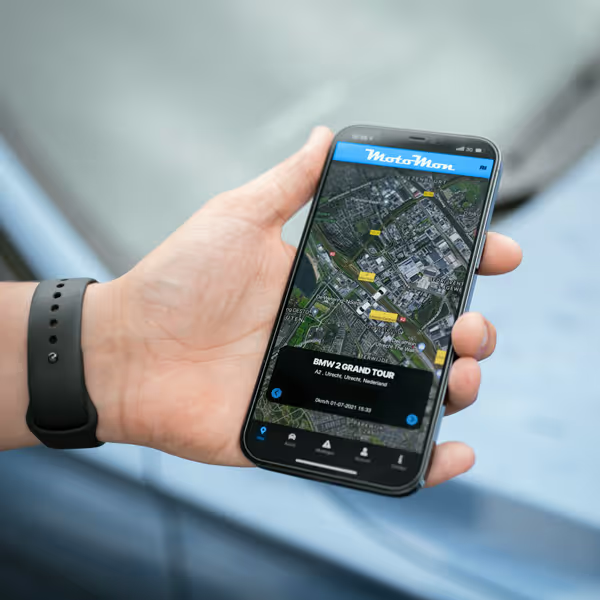
Maps are more than just colorful backgrounds beneath vehicle icons on your tracking dashboard. They're critical decision-making tools that influence how clearly you see routes, understand locations, and respond to traffic situations.
MotoMonGPS integrates Google Maps at no additional cost.
When map quality falls short, even accurate GPS coordinates lose their value – you might know where a vehicle is, but without proper context, that information becomes difficult to act upon.
The Limitations of Poor Map Data
Inadequate map quality creates cascading problems throughout fleet operations that accumulate into significant operational friction over time.
Inaccurate Location Context
Knowing a vehicle is at specific coordinates means little without understanding what's actually there. Is it at a customer site, a parking lot, or stuck in traffic? Poor map data forces time-wasting phone calls to drivers for information that quality maps provide instantly. When construction managers need to verify equipment location at job sites, vague map data transforms simple checks into extended verification processes.
Missing Visual Context
Numbers don't tell complete stories. Fleet managers need to see whether vehicles are on highways or side streets, at loading docks or front entrances. Without high-quality satellite imagery and detailed street-level data, you're making decisions based on incomplete information, particularly problematic when investigating incidents or explaining delays to customers.
Communication Challenges
Try explaining vehicle locations using only coordinates. "The truck is at 123 Main Street" doesn't clarify whether it's at the warehouse entrance or stuck at the security gate. Quality maps bridge communication gaps between dispatchers, drivers, customers, and management by providing shared visual reference points everyone understands immediately.
Google Maps: The Solution for Professional Fleet Tracking
Google Maps represents the global standard in mapping technology, combining comprehensive coverage (even for remote locations), frequent updates, and multiple visualization options that transform GPS coordinates into actionable intelligence.
Global Coverage and Accuracy
Whether your fleet operates locally or across continents, Google Maps provides consistent, detailed coverage from major highways to residential streets. Logistics companies managing international shipments particularly benefit from seamless map transitions across borders without degraded quality or missing data. Dispatchers see the same detailed, accurate maps for vehicles anywhere in the world.
Real-Time Traffic Integration
Static maps show roads but miss current conditions. Google Maps' real-time traffic data overlays congestion, accidents, and construction zones directly onto your fleet view. When you see a vehicle's icon turn red on a congested highway, you immediately understand delays and can proactively communicate with customers or reroute nearby vehicles before problems escalate.
High-Resolution Satellite Imagery
Sometimes you need actual ground truth, not just street representations. Google's satellite imagery provides visual confirmation addresses alone can't convey. Agricultural operations tracking equipment across large properties use satellite view to reveal field boundaries, crop patterns, and access paths invisible on standard street maps.
Choosing the Right Map View
MotoMon GPS provides four Google Maps visualization options, each serving specific operational needs. Users switch between views instantly, with the system remembering individual preferences.
Standard Map View
The default street map emphasizes roads, addresses, and landmarks with clear labeling. This view excels for typical dispatching and routing tasks, providing the cleanest visualization for monitoring multiple vehicles simultaneously without information overload.
Satellite View
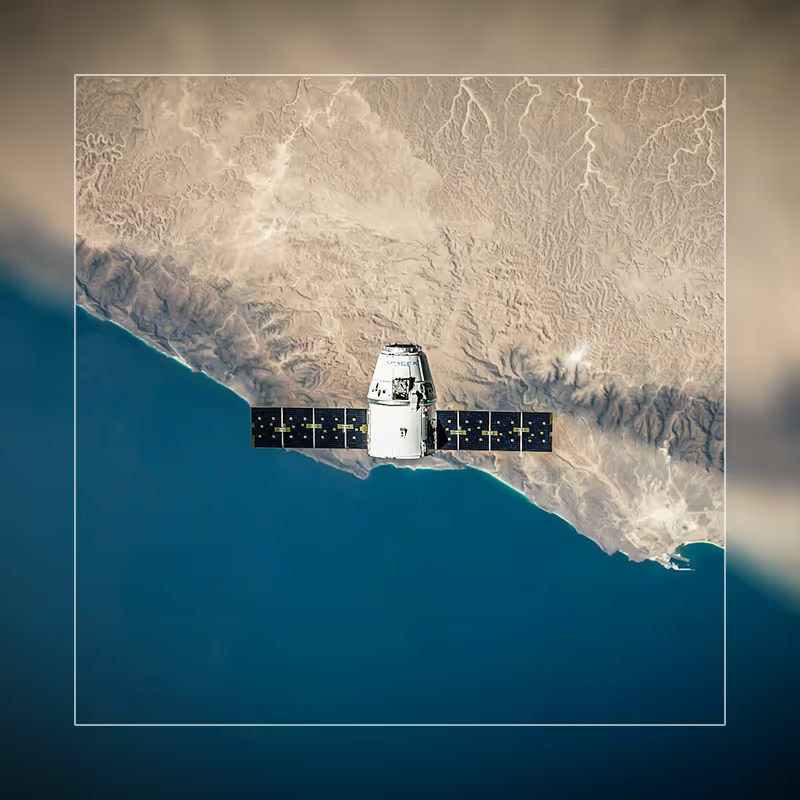
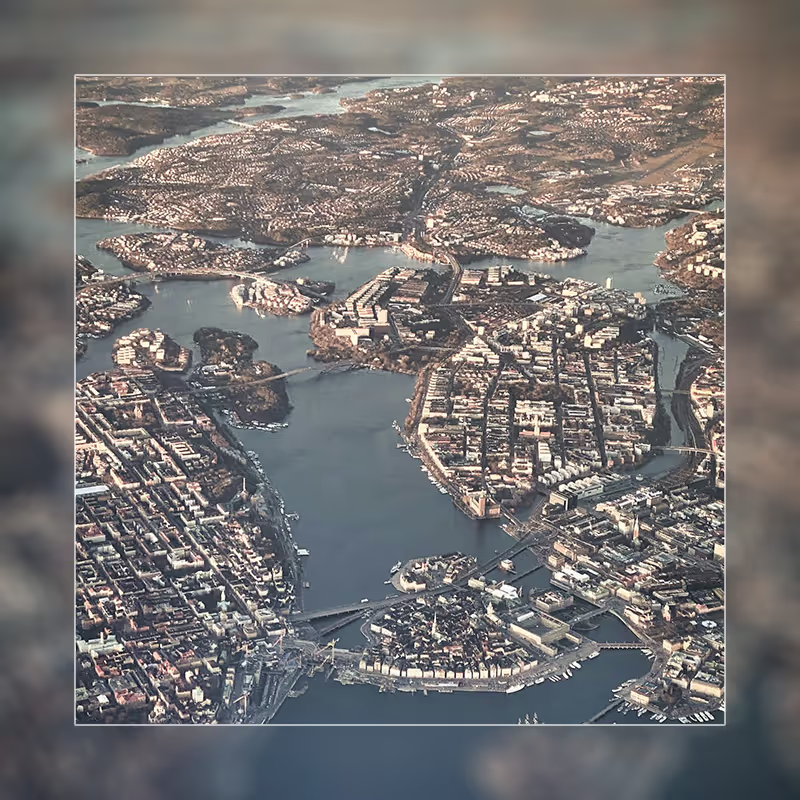
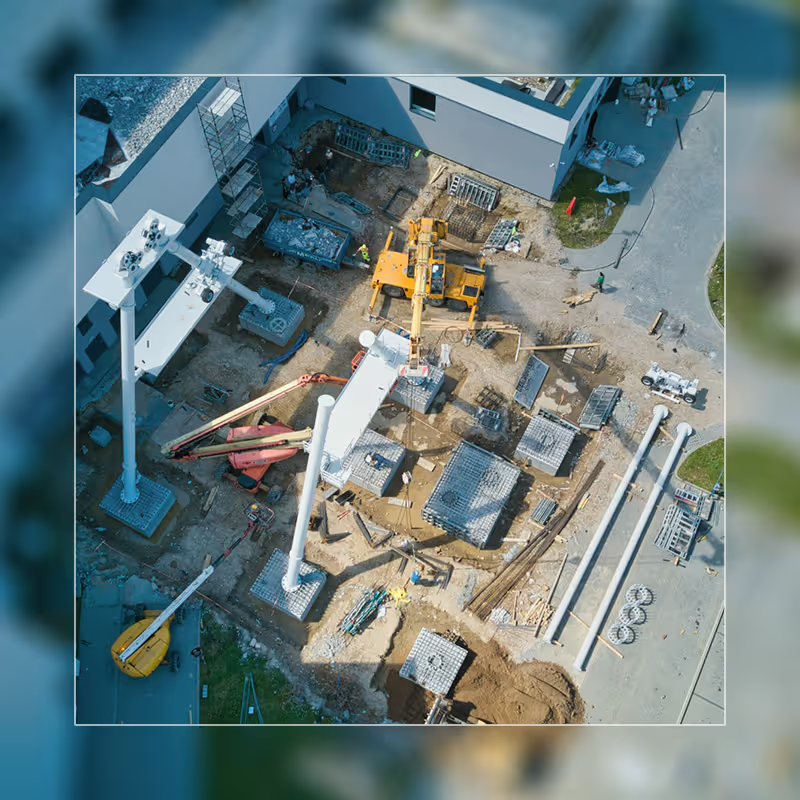
Switching to satellite view reveals actual imagery of locations, buildings, and terrain. Construction companies particularly value this when tracking heavy equipment across job sites – the imagery shows site layouts, material staging areas, and progress invisible on street maps. When superintendents need to verify equipment reached the correct location on large sites, satellite view can provide visual clarity; but geofencing delivers definitive confirmation through automated zone alerts.
Terrain View
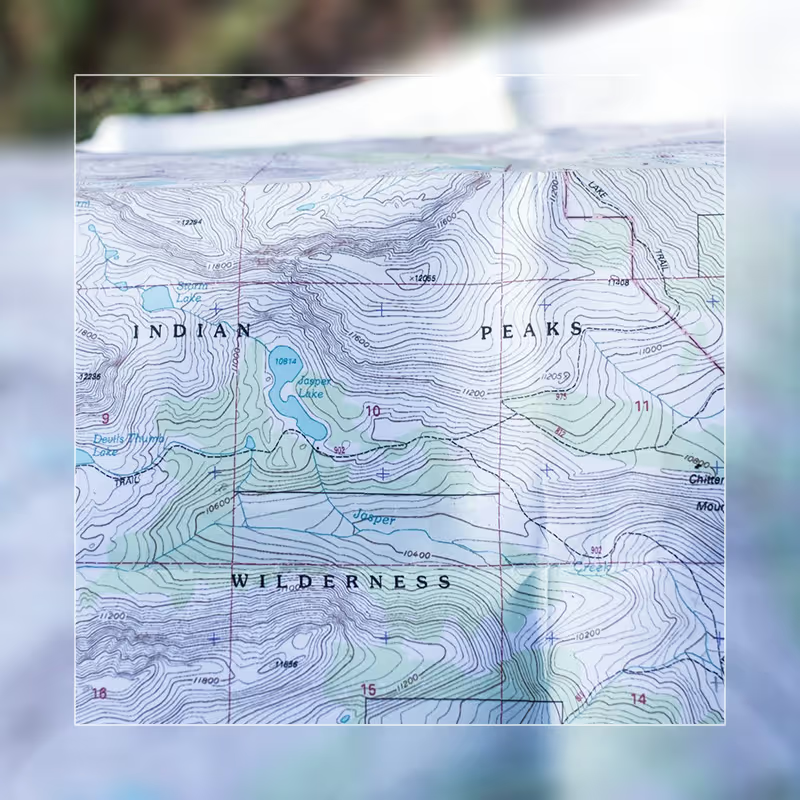
Terrain visualization emphasizes elevation changes through contour lines and shading. While less commonly used, terrain mode becomes invaluable for operations in mountainous regions where elevation significantly impacts travel time and fuel consumption. The topographical context explains performance variations instantly.
Hybrid View
Hybrid mode combines satellite imagery with street labels overlaid on top, providing photographic truth while retaining navigational references. Many users find hybrid offers the best of both worlds for daily operations, particularly in dense urban areas where satellite imagery alone can be confusing. (For tracking in GPS-denied urban environments like warehouses or underground facilities, the optional LoRa module provides WiFi-based backup positioning to maintain visibility when satellite signals fail.)
Making Maps Work for Your Specific Assets
MotoMon GPS tracks more than cars and trucks – construction equipment, agricultural machinery, trailers, containers, motorcycles, and boats all require visibility. This diversity makes appropriate map selection critical, as different assets need different contextual views.
Construction equipment rarely travels on standard roads. Bulldozers and excavators move across job sites along routes invisible on basic maps, making satellite and hybrid views essential. Logistics operations spanning multiple regions need global consistency and real-time traffic awareness for time-sensitive deliveries. Agricultural businesses track equipment across vast properties with minimal street infrastructure, making satellite view the primary visualization mode for seeing actual field boundaries and equipment locations.
The ability to switch between map types means different team members view the same fleet data through lenses appropriate to their responsibilities. Dispatchers might prefer standard view for traffic focus, while field supervisors use satellite view to verify equipment positioning, and operations managers employ terrain view for understanding regional efficiency variations.
Conclusion: Investment in Quality Mapping Pays Dividends
Professional GPS fleet tracking demands professional-grade mapping. The decisions you make based on vehicle locations – routing choices, customer communications, operational adjustments – require accurate, detailed, current map data to be effective.
The decisions you make based on vehicle locations require accurate, detailed, current map data to be effective.
Google Maps integration in MotoMon GPS provides this foundation at no additional cost, ensuring every user has access to visualization quality necessary for confident fleet management. Whether you need street-level navigation detail, satellite imagery for verification, terrain visualization for topographical understanding, or hybrid views combining multiple perspectives, the right map is always one click away.
Quality maps don't just make tracking prettier; they make it more useful, more actionable, and ultimately more valuable to your operations. That's the standard MotoMon GPS delivers to every user, every day, at no premium cost.

